Clean Your TVAPK Guide
Clean Your TV official TV logo

Free TV cleaner · Android phone

Download Clean Your TV

Clean Your TV tidies an Android TV or Google TV from your Android phone over Wi-Fi. Wait for the short countdown, then use the download button below.

File
Clean Your TV APK
Format
APK
Version
0.3.7
Size
4.75 MB
Works on
Android 9 or newer phone, with a screen lock
TV needed
Android TV or Google TV, same Wi-Fi
Not for
Samsung, LG, or Roku TVs
Cost
Free, open source (MIT)

Your official download link is ready in

6

Advertisement

Before You Download

Two checks prevent nearly every failed setup. First, the Wi-Fi check: the phone and the TV must be on the same Wi-Fi network. A phone on mobile data or a guest network will not find the TV, however good the app is. Second, the TV check: the TV must run Android TV or Google TV. Samsung, LG, and Roku sets do not run Android, so the app cannot work on them.

Third, the phone check: the phone needs Android 9 or newer and a screen lock. If those three checks pass, this page is the next stop.

Installing After the Download

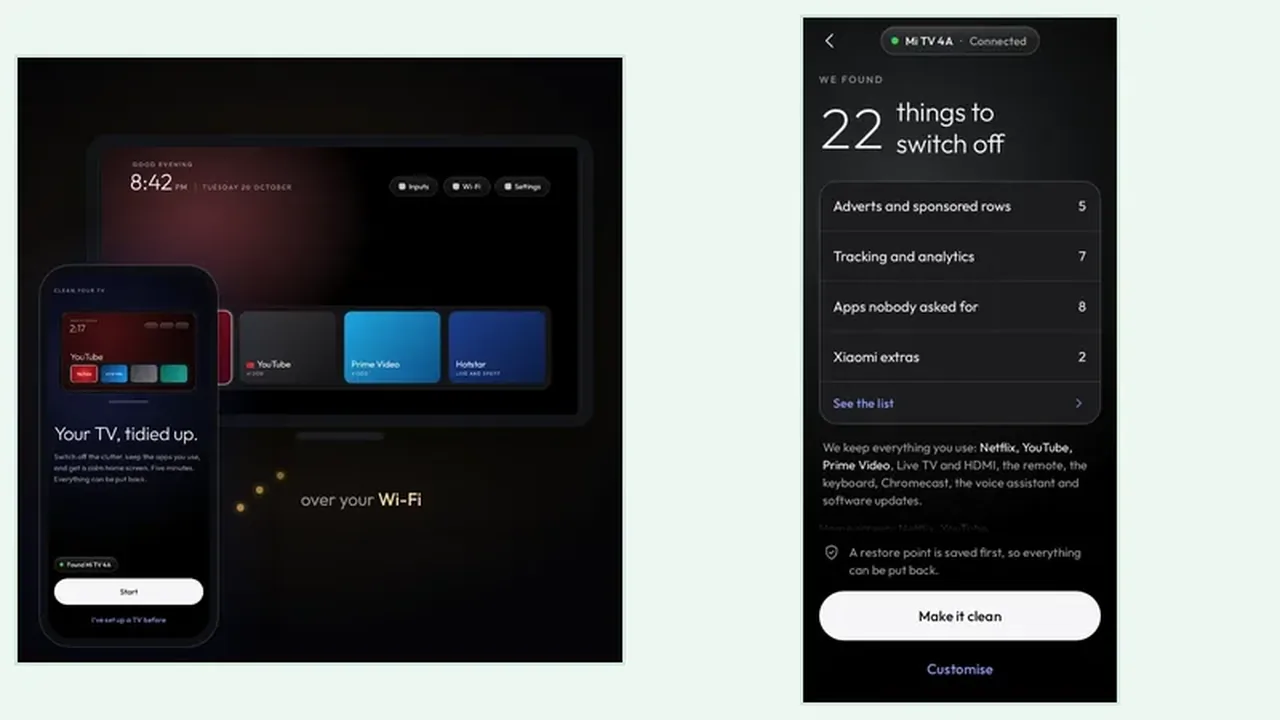
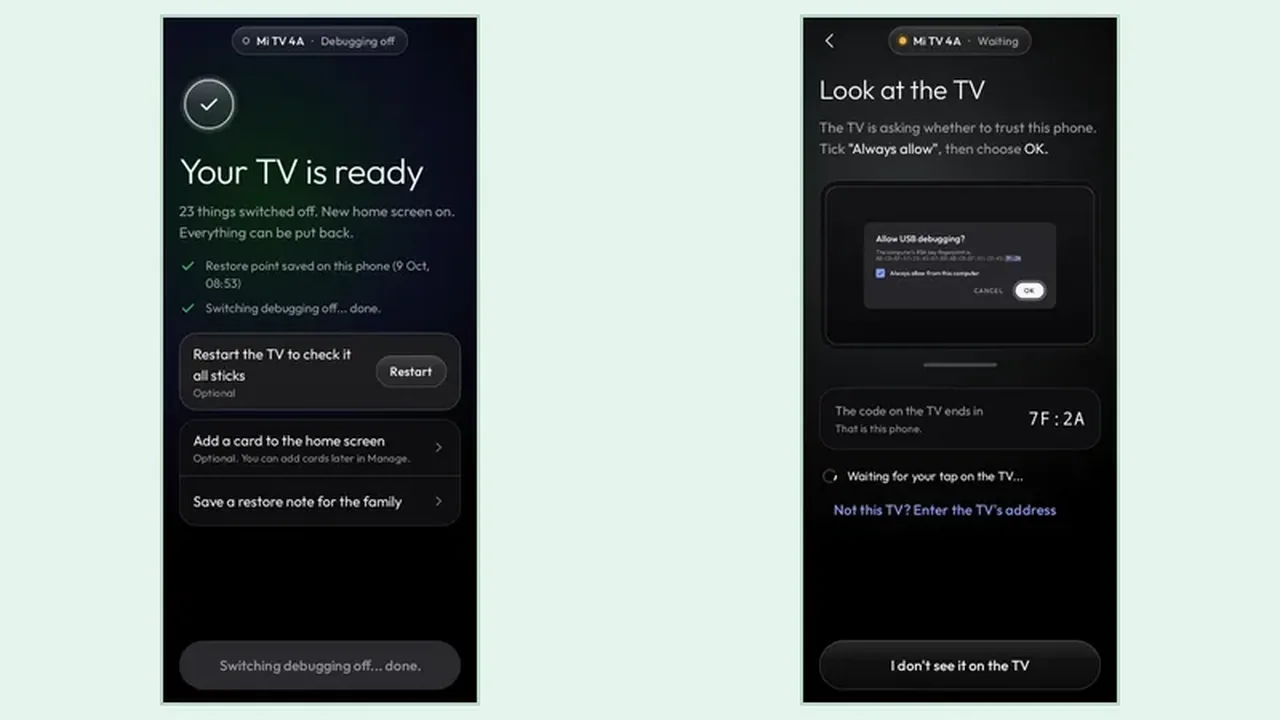
Install the app on your Android phone from the download page. Open it on the phone and follow the steps it shows: put the TV on the same Wi-Fi, switch on network debugging in the TV settings where the app points you, and approve the trust prompt on the TV with the remote, ticking Always allow.

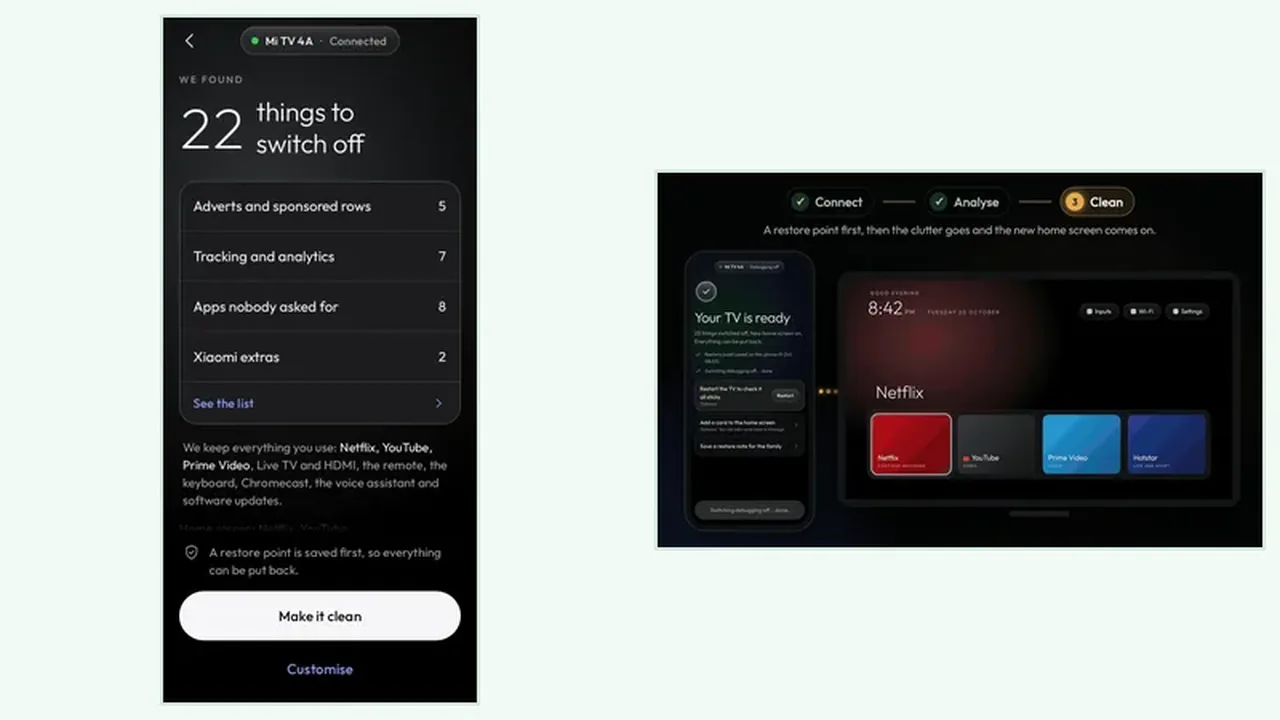
Then read the analyse plan in full. Check what goes off and what stays, confirm the apps you use every day are on the keeps side, and only then tap Make it clean. After the clean, try your main apps and, if anything is missing, put it back from inside the app.
Download FAQs

Where does the download button go?

The download button is on this page. Wait for the countdown, then use it to get the app.

What phone do I need?

An Android phone running Android 9 or newer with a screen lock, on the same Wi-Fi as the TV.

Is Clean Your TV free to get?

Yes. Clean Your TV is free and open source under the MIT licence, with no accounts, no analytics, and no ads in the app.

What do I need before I download?

An Android phone with Android 9 or newer and a screen lock, plus an Android TV or Google TV on the same Wi-Fi as the phone.

Why does the button appear after a short countdown?

The short countdown gives the page a moment to settle and keeps the download step deliberate, so the download button is tapped on purpose, not by accident.

Will it work on a Samsung, LG, or Roku TV?

No. Those TVs do not run Android, so Clean Your TV cannot work on them. It works with Android TV and Google TV.

What happens after I get the app?

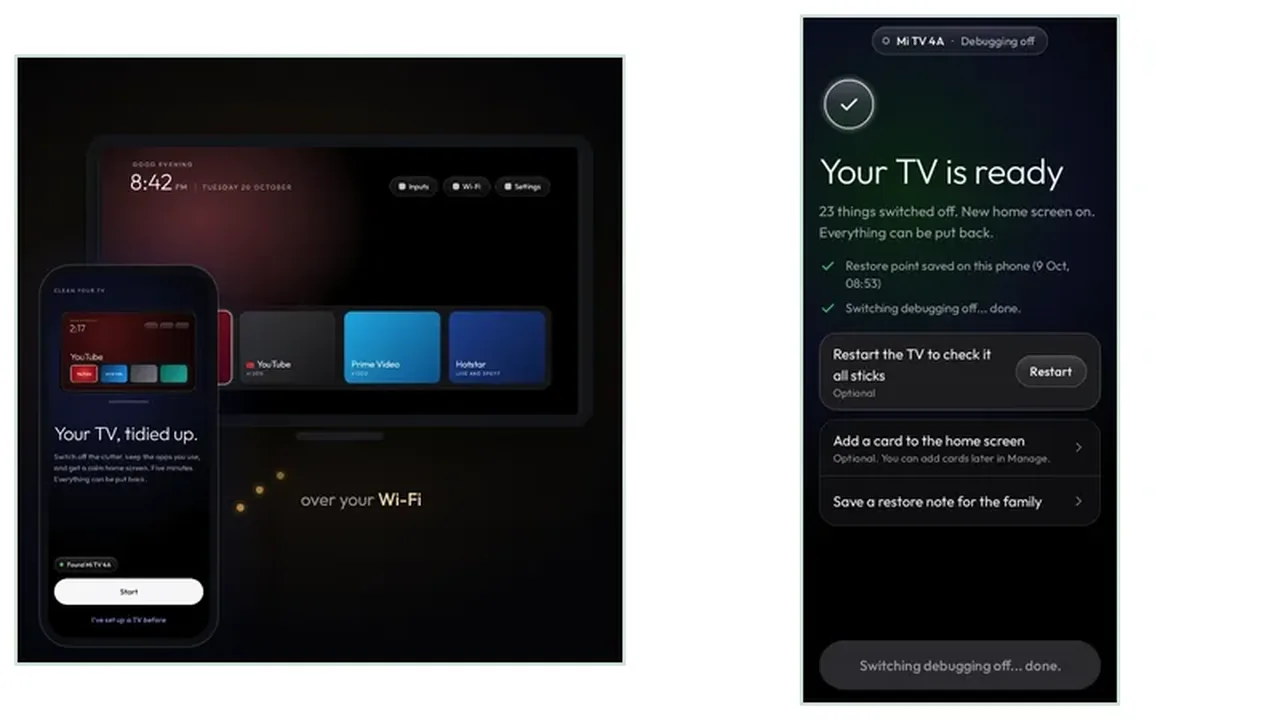
Install it on the phone, connect to the TV on the same Wi-Fi, read the analyse plan, and only then tap Make it clean. A restore point is saved first.

Can I undo a clean?

Yes. Apps are only switched off, never uninstalled, so you can put one app back or undo everything, any time, from inside the app.

Suggested Guides